







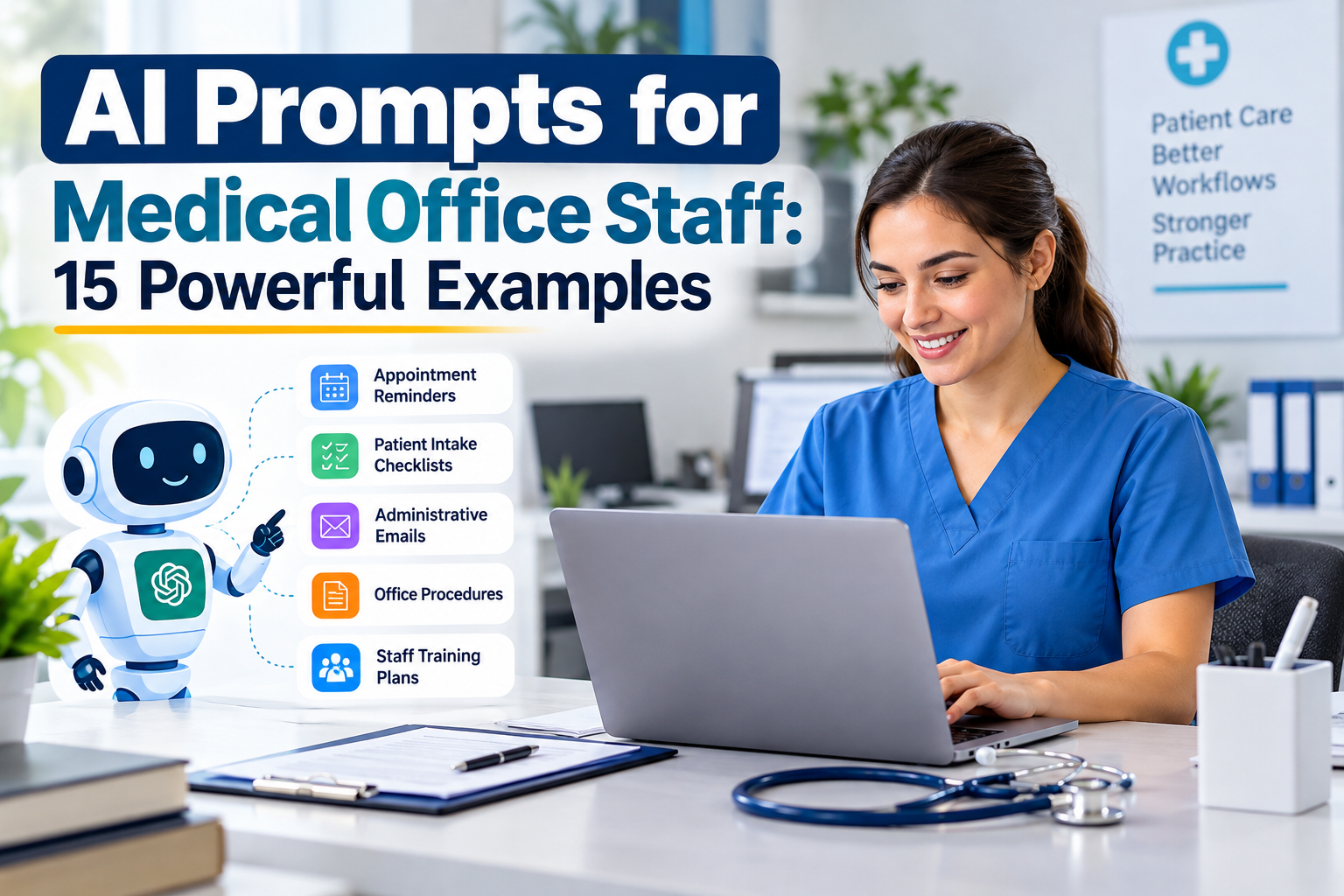
AI prompts for medical office staff can help small healthcare practices prepare administrative emails, organize daily tasks, create checklists, and develop consistent office procedures. Instead of writing every document from scratch, staff can use clear AI instructions to produce drafts that are easier to review and customize.
For smaller practices, the main goal is to reduce repetitive administrative work without compromising patient privacy, accuracy, or professional judgment. This guide shares 15 practical prompts, examples, and safety recommendations for everyday healthcare administration.
What Are AI Prompts for Medical Office Staff?
AI prompts are instructions that tell an artificial intelligence tool what to create, how to format the result, and which restrictions to follow. In a medical office, these instructions can support routine communication, administrative planning, staff training, and document preparation.
Well-designed AI prompts for medical office staff specify the task, intended audience, preferred format, and information that must not be invented. Every generated result should be reviewed before it is used.
15 Practical AI Prompts for Medical Office Staff
1. Create an Appointment Reminder
Prompt:
“Write a short, polite appointment reminder for a medical practice. Include placeholders for appointment date, appointment time, and approved contact information. Keep the message professional and under 80 words. Do not invent details.”
Benefit: Staff can create consistent reminder templates and customize them for approved communication channels.

2. Prepare a Patient Intake Checklist
Prompt:
“Create a patient intake checklist for a small outpatient medical practice. Include registration, insurance information, consent forms, contact details, and outstanding paperwork. Present the result as a table with task, status, and responsible staff member.”
Benefit: A reusable checklist can help front-desk employees follow a consistent intake process.
3. Write a Professional Phone Script
Prompt:
“Draft a friendly phone script for front-desk staff responding to a general appointment inquiry. Include a greeting, scheduling questions, a polite hold statement, and a professional closing. Do not provide medical advice.”
Benefit: New employees can practice clear, courteous conversations.
4. Draft an Administrative Email
Prompt:
“Write a professional email requesting a missing administrative document. Explain what is needed, include a placeholder for the deadline, and provide a contact method for questions. Use a respectful tone and do not invent facts.”
Benefit: Staff can prepare consistent follow-up emails with less repetitive writing.
5. Organize Daily Office Tasks
Prompt:
“Create a daily checklist for a medical office front desk. Organize tasks into opening procedures, patient check-in, phone calls, appointment coordination, document handling, and closing procedures. Add a priority column.”
Benefit: Managers can organize responsibilities and make routine tasks easier to track.
6. Create a Standard Operating Procedure
Prompt:
“Draft a standard operating procedure for handling incoming administrative documents at a small medical practice. Include purpose, responsibilities, receipt, routing, follow-up, escalation, and recordkeeping. Mark practice-specific decisions that require management approval.”
Benefit: Staff can turn informal processes into structured documents for management review.
7. Build an Insurance Verification Checklist
Prompt:
“Create an insurance eligibility verification checklist for medical billing staff. Include member details, coverage dates, payer information, applicable benefits, referral requirements, authorization checks, verification date, and unresolved issues. Do not assume active coverage guarantees payment.”
Benefit: A standard checklist can help reduce omissions during insurance verification.
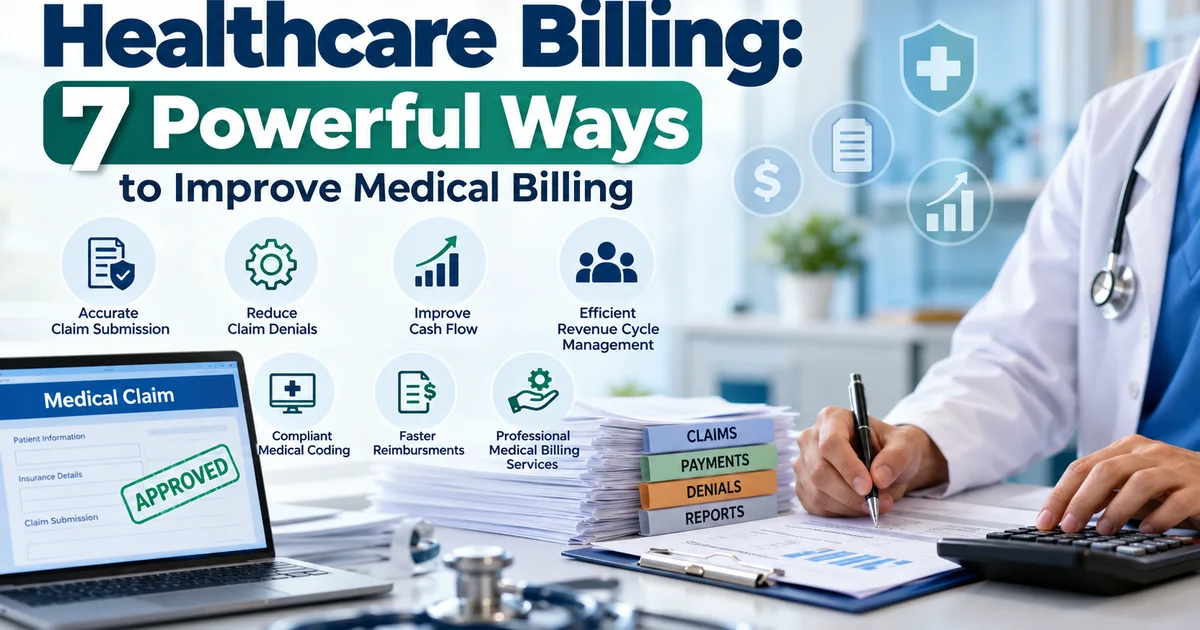
For related information, read our revenue cycle management guide.
8. Prepare a Claim Follow-Up Message
Prompt:
“Write a professional message to an insurance payer requesting an update on a pending claim. Use placeholders for the claim reference, submission date, and provider details. Ask for the current status and any outstanding requirements. Do not invent claim information.”
Benefit: Billing teams can prepare consistent follow-up drafts and verify the details before sending them.
9. Summarize Non-Confidential Meeting Notes
Prompt:
“Summarize these non-confidential administrative meeting notes. Organize the output into decisions, assigned tasks, responsible roles, deadlines, and unresolved questions. Do not add information that is not present in the notes.”
Benefit: Managers can turn meeting notes into a practical action list.
10. Simplify Administrative Instructions
Prompt:
“Rewrite the following management-approved administrative instructions in plain language. Use short sentences, clear headings, and a respectful tone. Preserve the original meaning and flag ambiguous statements instead of guessing.”
Benefit: Staff can prepare easier-to-understand administrative documents.
Clinical instructions must be reviewed and approved by an appropriately qualified healthcare professional.

11. Prepare a Staff Training Checklist
Prompt:
“Create a training checklist for a new medical office administrator. Cover scheduling, check-in, telephone etiquette, document handling, privacy procedures, escalation, and practice software orientation. Divide tasks into first-day, first-week, and first-month sections.”
Benefit: A structured checklist helps managers monitor onboarding progress.
12. Draft a No-Show Policy Template
Prompt:
“Draft a patient appointment no-show policy template. Include cancellation procedures, rescheduling instructions, communication expectations, and placeholders for management-approved fees or exceptions. Mark all decisions requiring review.”
Benefit: Practices can develop a starting document without treating generated policy language as automatically approved.
13. Create a Website FAQ
Prompt:
“Create a frequently asked questions template for a medical practice website. Include office hours, appointment scheduling, accepted insurance plans, cancellation procedures, and contact information. Use placeholders for missing verified information and do not invent services or prices.”
Benefit: Staff can organize common questions into a draft FAQ for review before publication.
14. Build a Weekly Operations Report
Prompt:
“Create a weekly medical office operations report template. Include appointment volume, cancellations, no-shows, unresolved administrative tasks, document processing, and follow-up actions. Use only supplied aggregate figures and flag missing data.”
Benefit: Managers can review operational activity in a consistent format.
15. Identify Workflow Improvements
Prompt:
“Review this non-confidential description of an administrative workflow. Identify repetitive steps, bottlenecks, unclear responsibilities, and potential improvements. Present the results in a table showing the issue, suggested change, expected benefit, and risks requiring human review.”
Benefit: Staff can explore ways to simplify processes while keeping final decisions with qualified people.
How to Use AI Prompts for Medical Office Staff Effectively
To get useful results, start with a specific task instead of a broad request. Include the intended audience, preferred format, tone, restrictions, and any placeholders needed.
For example, instead of asking an AI tool to “write an email,” explain the email’s purpose, recipient, desired length, and information that must be verified. These details make the output easier to evaluate and customize.
When introducing AI prompts for medical office staff, begin with a low-risk administrative task. Review the draft, identify errors, and improve the prompt before using it again.
Privacy and Safety Rules for Healthcare Offices
AI tools can produce inaccurate content, and entering sensitive information into an unapproved service may create privacy risks.
Follow these precautions:
- Protect patient information: Do not enter protected health information (PHI) into public or unapproved AI tools.
- Use approved technology: Follow the practice’s security policies and vendor approval procedures.
- Verify generated content: Check names, dates, facts, instructions, and tone.
- Review applicable requirements: Confirm privacy, security, and recordkeeping obligations.
- Maintain human oversight: Staff and management remain responsible for decisions and communications.
The U.S. Department of Health and Human Services HIPAA resources provide official information about protecting health information.
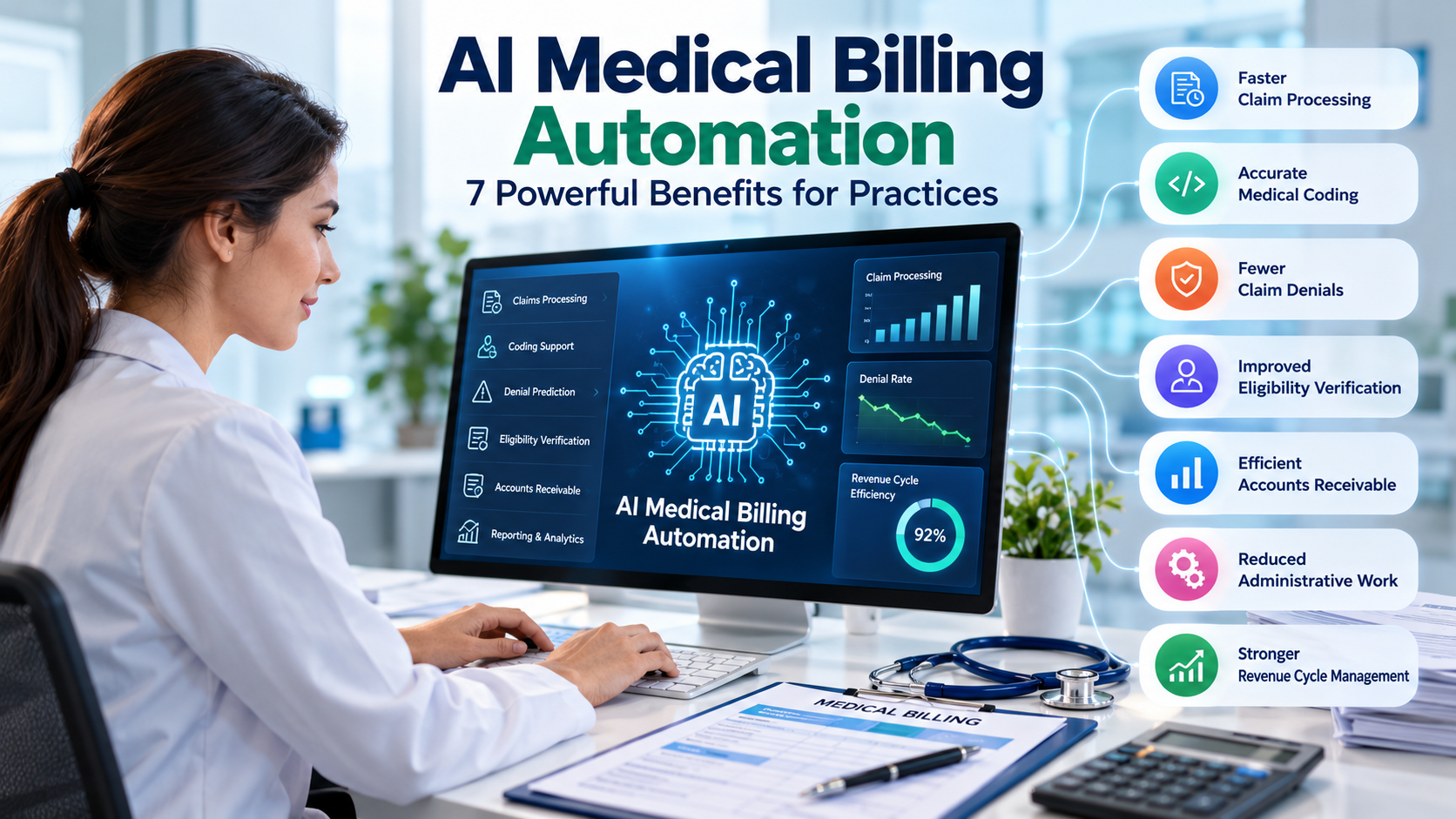
For more healthcare technology ideas, explore our article about AI in medical billing.
Common Mistakes to Avoid
When implementing AI prompts for medical office staff, avoid these common mistakes:
- Giving vague instructions and expecting precise results.
- Accepting generated content without checking it.
- Entering confidential information into unapproved tools.
- Publishing policies without management review.
- Treating AI output as a substitute for clinical judgment.
- Using the same prompt for every task without adapting it.
A clear review process helps practices use AI more responsibly and consistently.
Frequently Asked Questions
Can AI help medical office staff with daily tasks?
Yes. AI may help draft routine emails, organize checklists, prepare training materials, and summarize non-sensitive notes. Human review remains necessary.
Are AI prompts safe for patient information?
Not automatically. Safety depends on the tool, its configuration, the information involved, and applicable privacy requirements. Never enter PHI into an unapproved AI service.
Can a small medical practice use AI without a technical team?
Many basic drafting tasks require little technical expertise. Practices should still establish usage rules, train staff, and review privacy and security considerations.
Does AI replace medical office employees?
No. These prompts are intended to assist with repetitive administrative work, not replace staff expertise, patient communication responsibilities, or clinical judgment.
What is the best way to start using AI?
Choose one low-risk task, test a specific prompt with non-sensitive information, review the output, and measure whether it improves efficiency without reducing accuracy.
AI prompts can help healthcare practices prepare administrative drafts, organize office procedures, and create reusable templates. AI prompts for medical office staff are most useful when they address specific tasks and produce results that employees can easily verify.
Start with simple workflows, use approved tools, protect patient information, and review every output. This practical approach can help small practices explore AI while maintaining accuracy, privacy, and accountability.