
- Services
Medical Billing and Practice Management

Creative Collection Solution

MD Audit Shield – RAC

Physician Credentialing

EMR/EHR Software

Electronic Fund Transfer (EFT)

CodeMAXX Services

Hippa


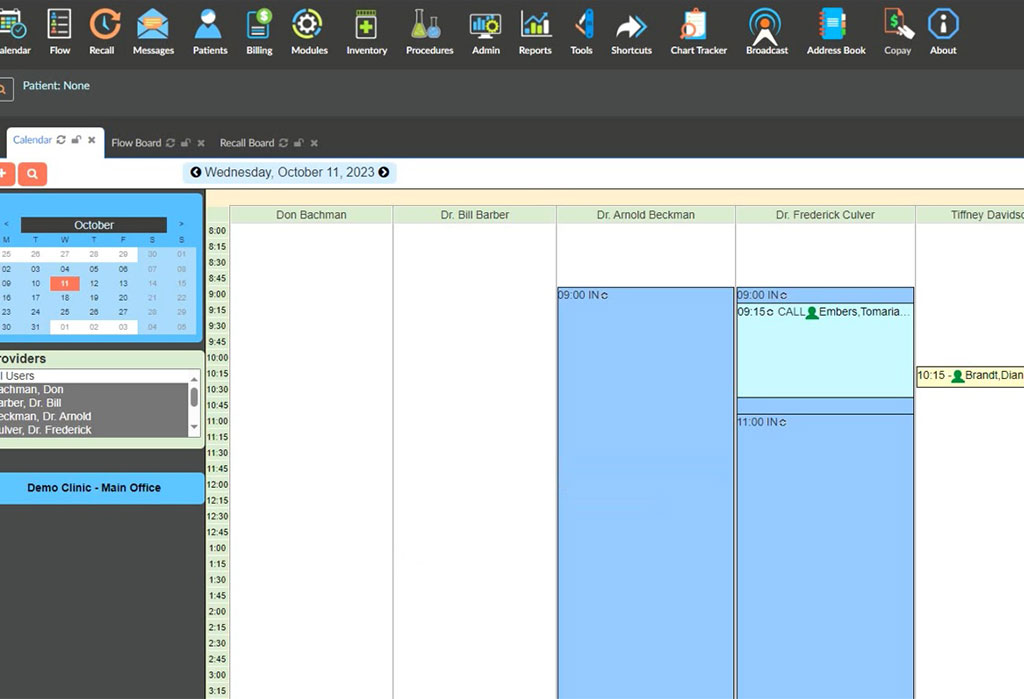

EMR Software Practice View screen provides an up-to-the-minute overview of all office activity.
At-a-glance tools include: Calendar
ToDo's with visual status indicators
Patient Tracker with color coding
Detailed message list with patient identifiers
Appointment schedule
Demographics
Allergies
Problem List
Other Sensitivities
Routine Meds
Previous Medical History
Referring Doctor
Family Medical History
Chart Note
Social History
Insurance
Encounters
Immunizations
Labs
Imaging
Medical Tests
Flow Sheets
Text Records
Excuses/Notes
Additional User-Definable Categories
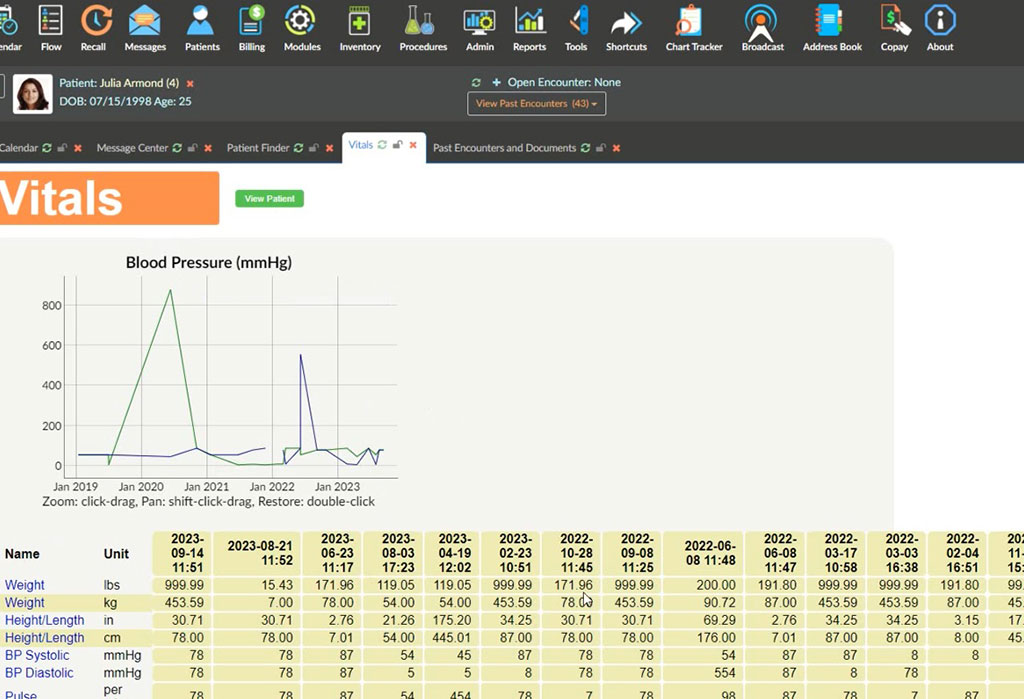
(S) Subjectives
(O) Objectives
(A) Assessment
(P) Plan
PopUp Text
PopUp Text List
(middle panel) is variable and corresponds to the OV component currently in use by the practitioner.
Chief Complaint
Review of Systems
Vitals
Examination
Diagnoses
Prescriptions
Tests
Procedures
Additional User-Definable Categories