







Choosing the right AI medical software for small practices can help healthcare providers streamline administrative tasks, improve daily workflows, and manage essential practice operations more efficiently. Small clinics often work with limited staff and budgets, making the right technology an important part of running a successful practice.
From electronic health records to medical billing and appointment scheduling, artificial intelligence can support many routine tasks. However, not every software platform offers the same capabilities, security protections, or integration options.
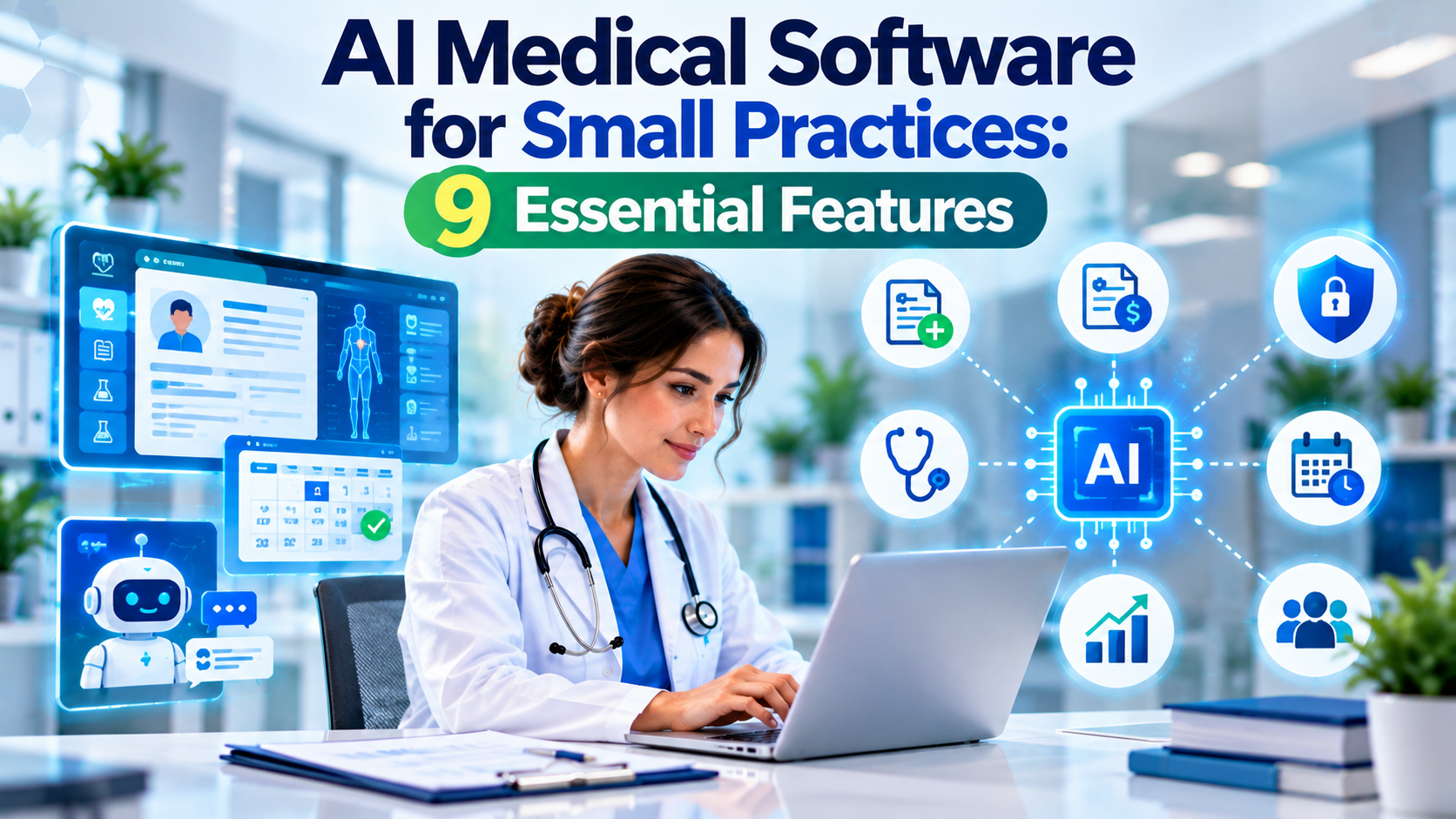
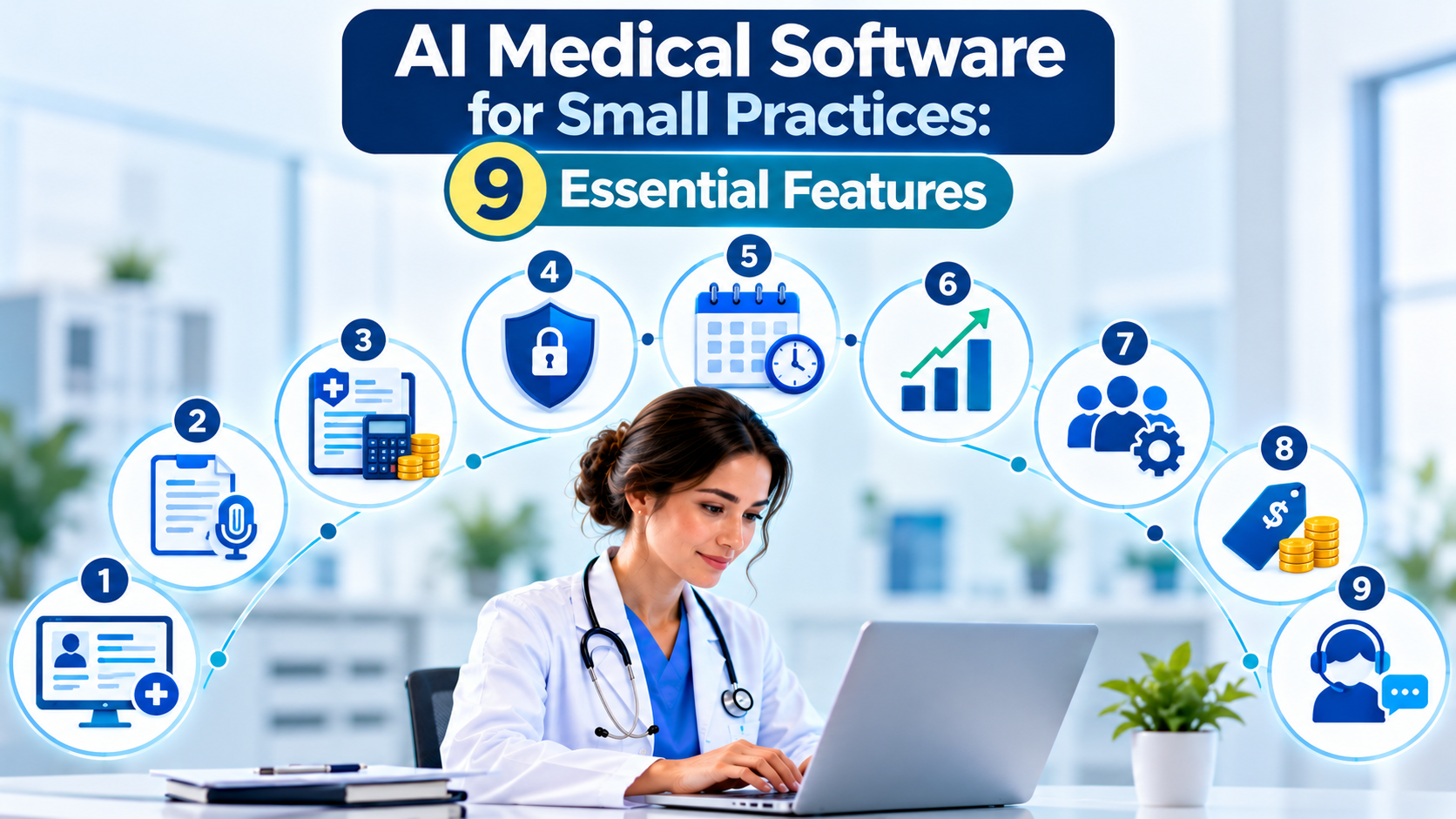
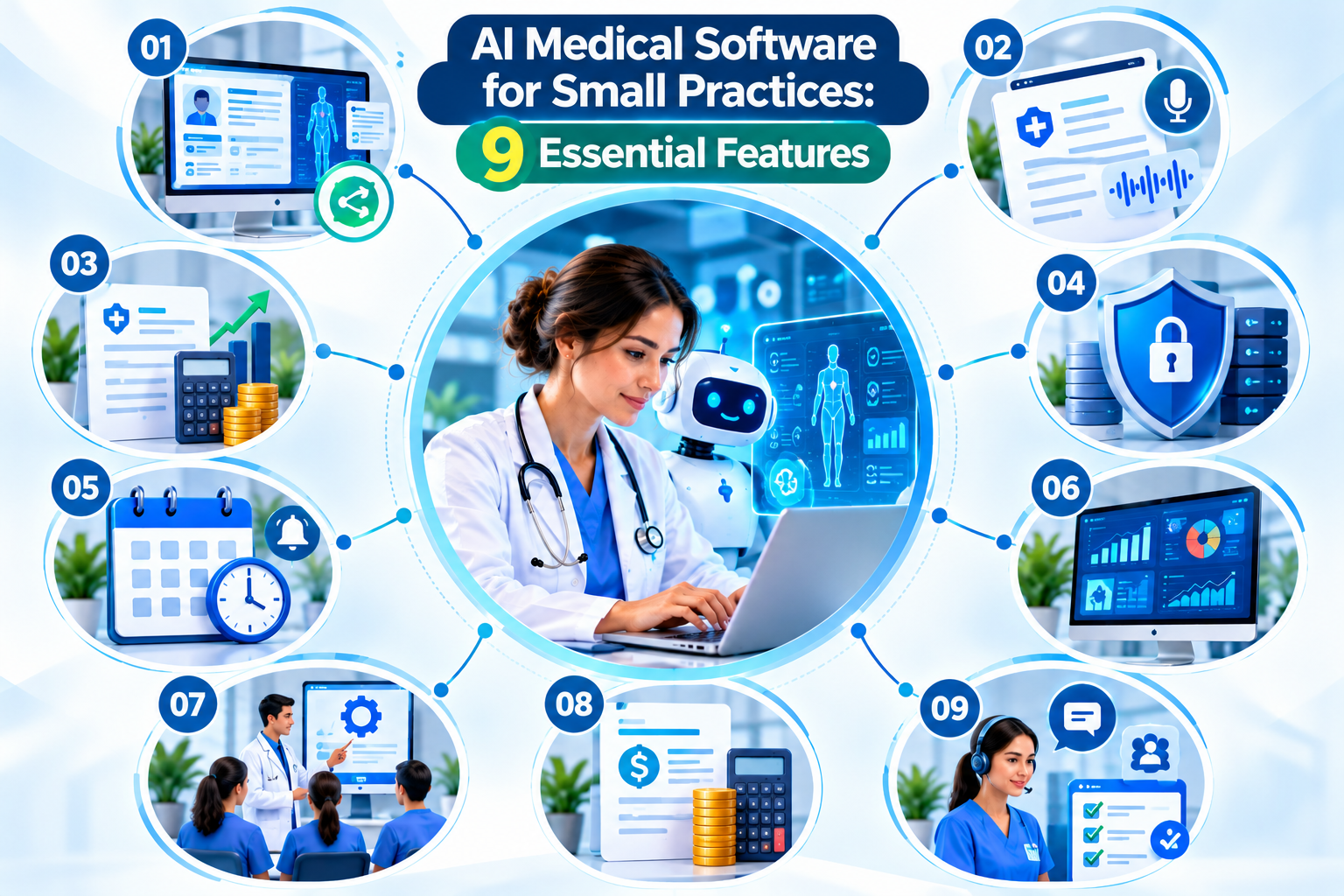
In this guide, we explain nine essential features to look for in AI medical software for small practices, how to compare available solutions, and what to consider before investing in new technology.
What Is AI Medical Software for Small Practices?
AI medical software for small practices refers to healthcare technology that uses artificial intelligence to assist with administrative, documentation, analytical, or selected clinical workflows. Depending on the product, it may help organize information, draft clinical notes, identify potential billing issues, manage appointments, or generate operational reports.
The purpose of AI medical software for small practices is to support healthcare teams rather than replace professional judgment. The best solution should address your clinic’s specific challenges, work with your existing systems, and provide appropriate safeguards for sensitive patient information.
1. EHR and EMR Integration
Electronic health records (EHRs) and electronic medical records (EMRs) are central to many healthcare workflows. When AI tools integrate effectively with these systems, staff may spend less time switching between applications or manually transferring information.
Before choosing AI medical software for small practices, confirm that the platform supports your existing record system and the workflows your team uses every day.
Important features to evaluate include:
- Compatibility with your current EHR or EMR
- Secure information exchange
- Patient record organization
- Data migration support
- Integration and setup costs
- Reliable access to relevant patient information
Ask the vendor to demonstrate the actual integration rather than relying only on general compatibility claims.
Explore our EMR solutions to learn more about electronic medical record systems.
2. AI-Powered Medical Documentation
Clinical documentation can take considerable time, particularly for healthcare professionals who must complete notes after patient visits. Some AI tools can assist with transcription, summarization, and drafting structured clinical notes.
When evaluating AI medical software for small practices, look for documentation features that allow clinicians to review, edit, and approve generated content before it becomes part of a patient’s record.
Consider whether the software provides:
- Editable clinical notes
- Support for relevant medical terminology
- Integration with existing documentation workflows
- Clear review and approval controls
- Information about recording and data retention
- Procedures for correcting AI-generated errors
AI-generated notes may contain omissions or inaccuracies. Clinicians should verify important information, and practices should evaluate applicable consent and privacy requirements before using recording or transcription features.
3. Medical Billing and Revenue Cycle Automation
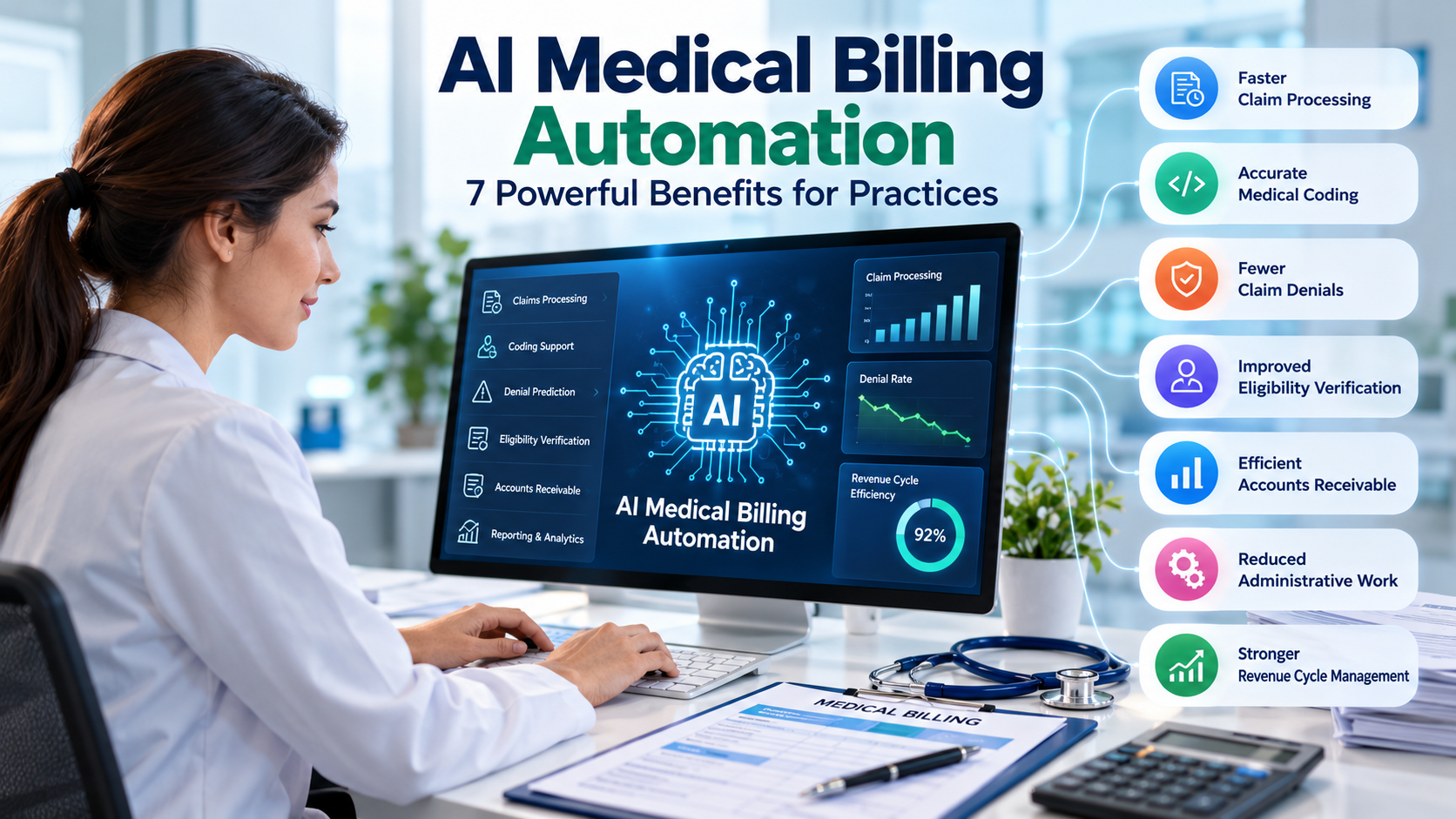
Medical billing involves several connected tasks, including claim preparation, eligibility checks, payment tracking, and denial management. AI-supported tools may help identify missing information, highlight potential claim issues, and organize follow-up activities.
For many clinics, billing workflow support is an important feature of AI medical software for small practices because administrative inefficiencies can delay payments and increase staff workload.
Look for tools that can assist with:
- Claim preparation and review
- Eligibility verification workflows
- Potential billing error identification
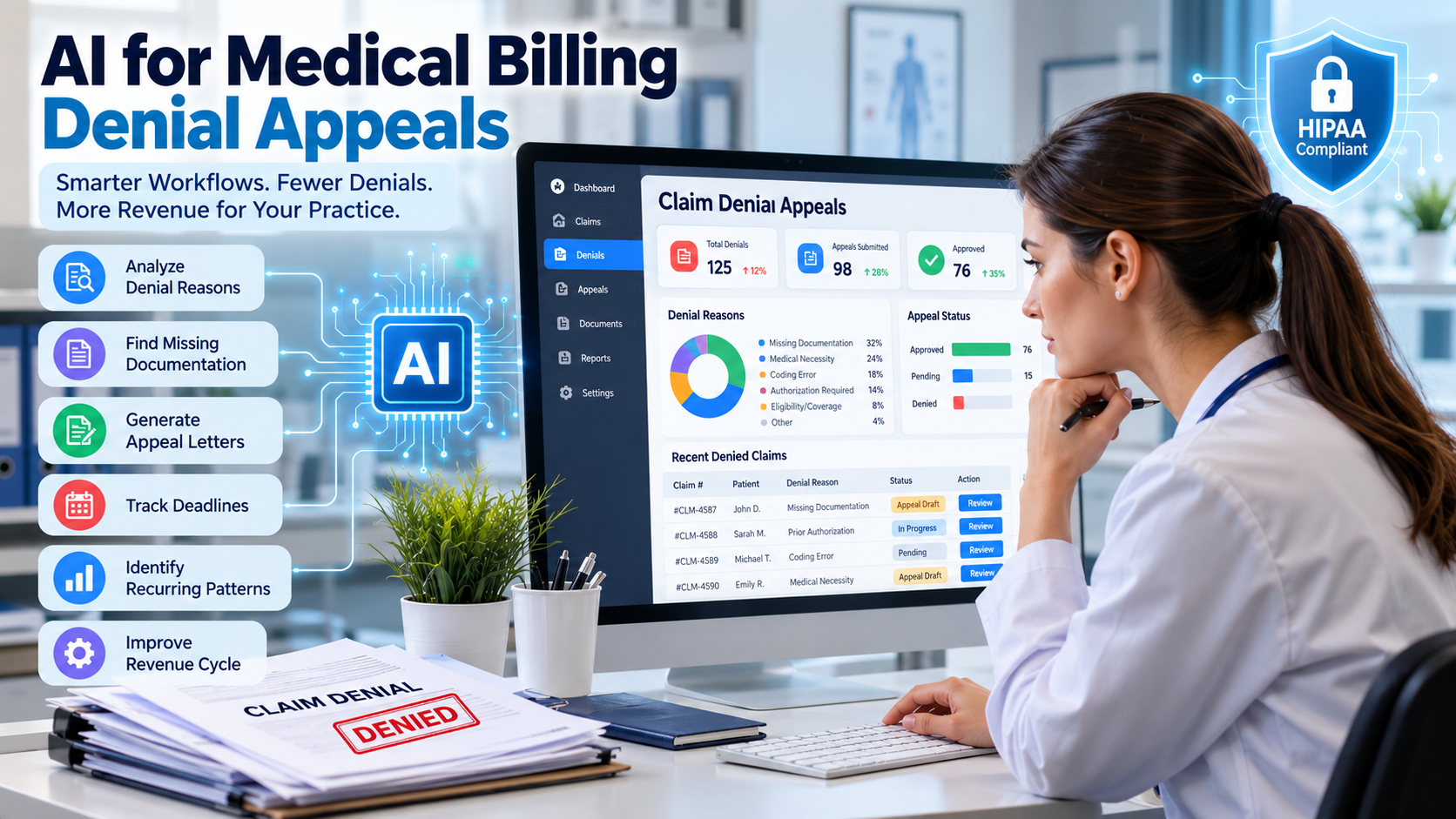
- Denial tracking and reporting
- Accounts receivable monitoring
- Payment and claim status analysis
AI cannot guarantee claim approval or reimbursement. Qualified staff must verify coding, documentation, payer rules, and claim details before submission.
Learn more about our medical billing and practice management services.
You can also read our article on AI in medical billing to explore how AI may support billing operations.
4. HIPAA and Data Security Features
Healthcare organizations handle sensitive patient information, so security should be a major consideration when selecting AI medical software for small practices.
Before adopting a platform, review its technical safeguards, contractual protections, and policies for using or sharing patient data.
Essential security features may include:
- Role-based access controls
- Encryption for data in transit and at rest
- Audit logs and access monitoring
- Secure backup and recovery processes
- Data retention and deletion controls
- Incident response procedures
- Appropriate agreements with vendors handling protected health information
For US healthcare providers, HIPAA obligations may apply to the practice and its business associates. A vendor’s claim that its product is “HIPAA compliant” does not automatically make every use of that product compliant.
Review the official HHS HIPAA Security Rule guidance and consult our HIPAA information page.
5. Smart Appointment Scheduling
Appointment management can involve reminders, rescheduling, cancellations, and frequent patient communications. AI-supported scheduling tools may help automate selected administrative tasks and reduce manual coordination.
When comparing AI medical software for small practices, check whether scheduling features fit your clinic’s existing appointment process.
Useful capabilities may include:
- Appointment reminders
- Online booking and cancellation
- Calendar synchronization
- Waitlist management
- Automated administrative responses
- Staff control over scheduling changes
Automated systems should provide a clear way for patients to contact staff when they have a complicated request or need urgent assistance. General-purpose AI chat features should not provide unsupervised medical advice.
6. Reporting and Practice Analytics
Practice managers need reliable information to understand operational performance. Depending on the software, analytics tools may summarize appointment activity, billing trends, claim denials, and outstanding payments.
The right AI medical software for small practices should make reports understandable and useful for everyday decisions.
Consider tracking metrics such as:
- Claim denial rate
- Days in accounts receivable
- Appointment no-show rate
- Time spent on administrative tasks
- Staff adoption of new workflows
- Software costs compared with measurable benefits
Use consistent definitions when comparing results over time. AI-generated forecasts are estimates and should be assessed against actual practice data.
7. Ease of Use and Staff Training
Even powerful software may deliver limited benefits if employees find it difficult to use. Small practices should prioritize tools that fit their existing processes and do not require unnecessary administrative steps.
Before selecting AI medical software for small practices, arrange a demonstration for the people who will use it regularly.
Ask the vendor about:
- Staff onboarding and training
- Technical support availability
- Implementation timelines
- Data migration assistance
- System downtime procedures
- Ongoing product updates
A limited pilot can help identify problems before a clinic introduces the software across its operations. Collect feedback from staff and make sure everyone understands which tasks remain subject to human review.
8. Transparent Pricing and Scalability
Software pricing can vary according to features, users, usage limits, integrations, and support arrangements. The advertised subscription may not include every cost associated with implementation and ongoing use.
Compare the total cost of AI medical software for small practices, not just the monthly price.
Review these factors before signing a contract:
- Subscription or licensing fees
- Setup and implementation costs
- Integration charges
- Staff training expenses
- Support and maintenance fees
- Contract and cancellation terms
- Options for adding users or locations
Ask for a written quote that explains any usage limits and additional charges. The most expensive platform is not necessarily the best choice, and the cheapest option may lack important capabilities.
9. Human Oversight and Vendor Reliability
AI tools should support healthcare professionals and administrative staff while keeping responsibilities clear. Before implementation, decide who will review generated notes, billing suggestions, automated messages, and other outputs.
Evaluate whether the vendor provides:
- Clear documentation of product capabilities and limitations
- A process for correcting inaccurate outputs
- Appropriate validation information for the intended use
- Reliable customer support
- Security incident reporting procedures
- Service availability and recovery information
For tools that influence clinical decisions, review the product’s intended purpose and available evidence carefully. Do not assume that every AI feature has been validated for every clinical setting.
How to Choose AI Medical Software for Small Practices
Selecting the right platform is easier when you follow a consistent evaluation process.
Step 1: Identify your biggest operational challenge. Decide whether your priority is documentation, billing, scheduling, reporting, or another workflow.
Step 2: Set your budget. Include subscriptions, integrations, implementation, training, and ongoing support.
Step 3: Check system compatibility. Confirm that the software works with your existing EHR, EMR, billing tools, and other essential systems.
Step 4: Review privacy and security. Understand how the vendor stores, accesses, processes, and deletes patient information.
Step 5: Request a demonstration. Test representative tasks instead of relying only on marketing claims.
Step 6: Compare vendors. Evaluate functionality, usability, security, support, and total cost using the same criteria for every option.
Step 7: Measure results. After implementation, track relevant outcomes such as staff time, claim errors, workflow delays, and operating costs.
Following these steps helps practices choose AI medical software for small practices based on practical needs rather than promises alone.
Common Mistakes to Avoid
Healthcare practices can encounter problems when they adopt AI tools without evaluating their limitations.
Avoid these common mistakes:
- Choosing software based only on price
- Assuming AI-generated content is always accurate
- Overlooking integration and migration costs
- Uploading patient data without reviewing privacy requirements
- Failing to train employees
- Automating workflows without assigning responsibility
- Expecting immediate financial improvements
- Ignoring contract terms and vendor support
A thoughtful implementation plan and regular performance reviews can help your practice use AI responsibly.
Frequently Asked Questions
What is the best AI medical software for small practices?
The best option depends on your clinic’s size, budget, current systems, and operational priorities. Compare vendors based on integration, security, usability, support, and the specific tasks you want to improve.
Can AI medical software reduce administrative workload?
AI tools may reduce time spent on selected repetitive tasks, such as documentation support, scheduling, or billing review. Actual results depend on the product, workflow, implementation, and staff adoption.
Is AI medical software for small practices HIPAA compliant?
Not automatically. Compliance depends on the product, how it is configured and used, the organizations involved, and applicable legal obligations. Review vendor safeguards, agreements, and data handling before using protected health information.
Does AI medical software replace medical billing staff?
AI may support certain billing tasks, but human review remains important for coding, documentation, payer requirements, exceptions, and claim accuracy. Practices should assign clear responsibilities for reviewing automated recommendations.
How much does AI medical software cost?
Costs vary by vendor, features, usage, users, and integrations. Request a detailed quote that includes implementation, training, ongoing support, and any additional charges.
Final Thoughts
The right AI medical software for small practices can support more efficient workflows when selected and implemented carefully. Focus on the problems your clinic needs to solve, verify integration and security requirements, compare total costs, and test the software before committing.
AI should strengthen your team’s work, not introduce unnecessary complexity or replace appropriate professional judgment. With clear oversight and measurable goals, your practice can evaluate whether AI tools provide meaningful operational value.